ZWOOPO / kitchen tools
Make the everyday easier.
A practical catalog of cutters, choppers, slicers, peelers, grinders, crushers, mashers, crackers and juicers for the kitchen tasks already on your list.
01 / choose a task
Find your tool type.
02 / current catalog
Start with the listings.
These links use live products from the current ZWOOPO catalog. Open a listing for its active variants, price and specifications.
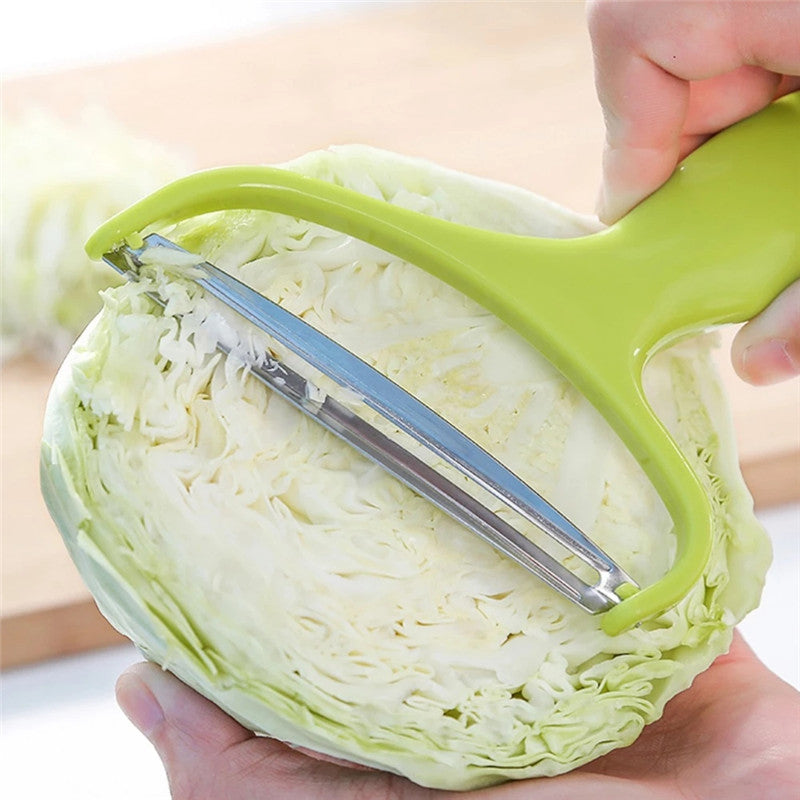
Vegetable Cutter Cabbage Slicer Vegetables Graters
Open product ↗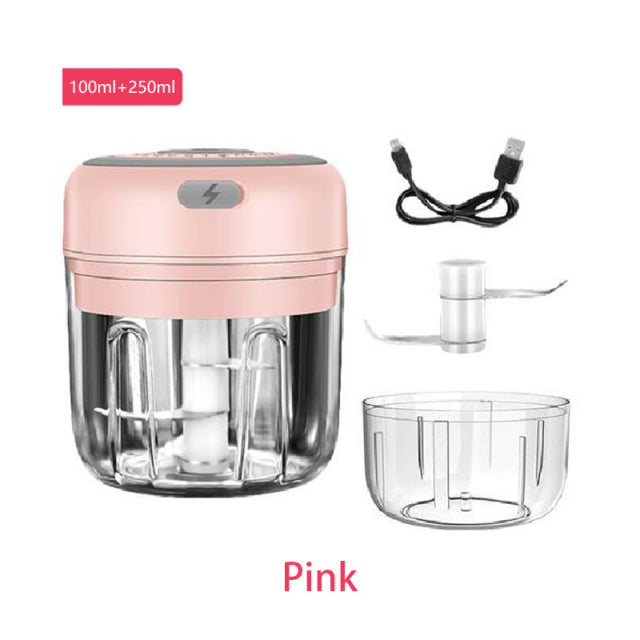
100/250ml Electric Mini Garlic Crusher Portable Chopper
Open product ↗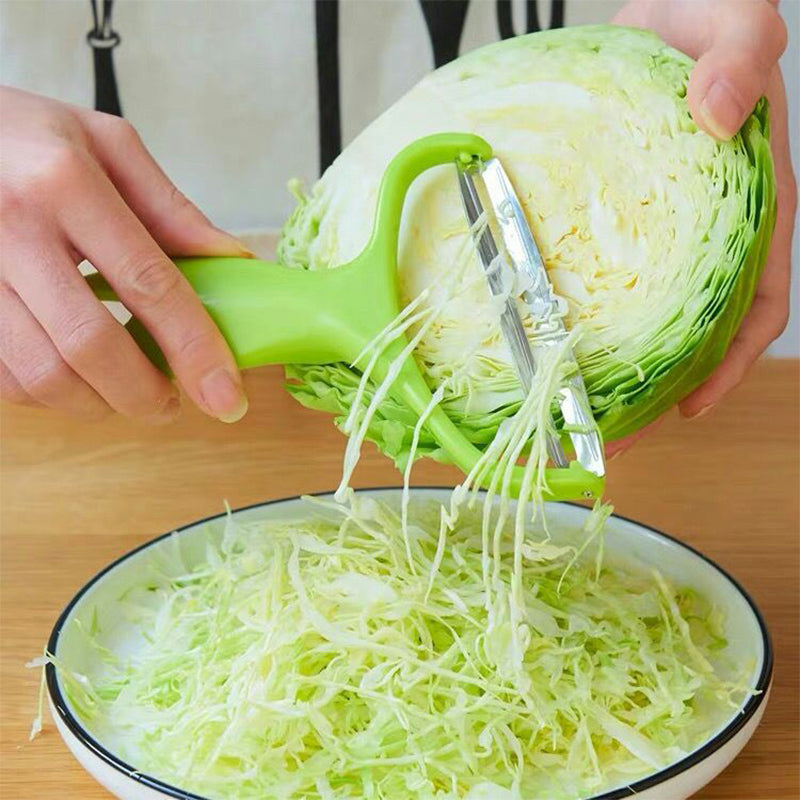
Hot Vegetable Cutter Cabbage Slicer
Open product ↗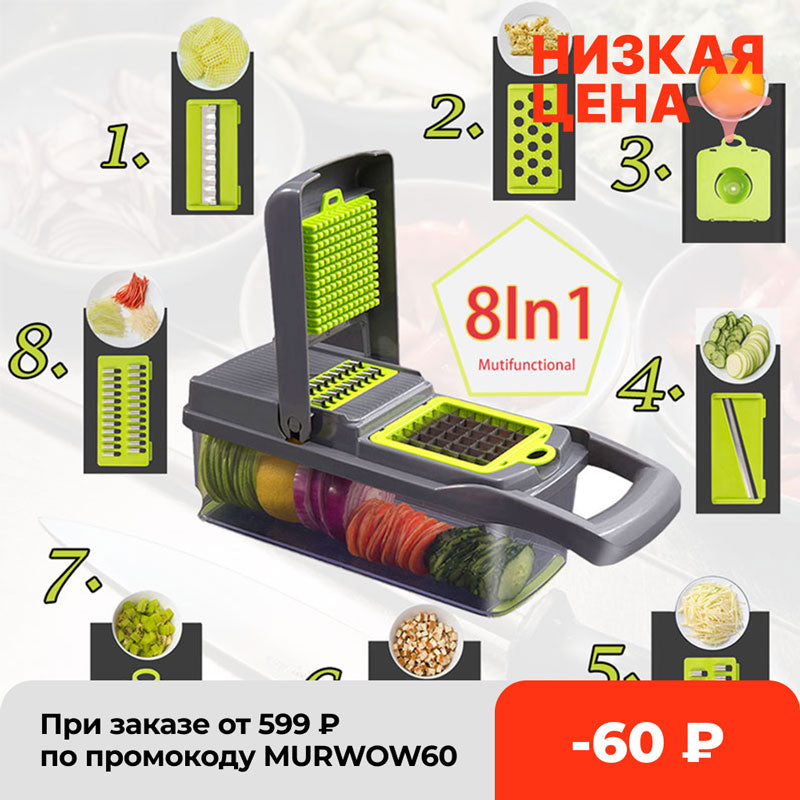
8In1 Multifunctional Vegetable Cutter Potato Slicer
Open product ↗03 / task paths
Three ways into the catalog.
Use the collection names already in the store to narrow your next kitchen task.
04 / catalog facts
See the store as it is.
Counts below reflect the inventory and content check used for this redesign.
05 / compare listings
Check the details that matter.
Tool type
Start with the collection that matches the task: cutter, peeler, grinder or another listed type.
Variant
Product listings can contain multiple options. Select the exact option before adding to cart.
Listing facts
Review the live price, specifications, images and policy links on the product page.
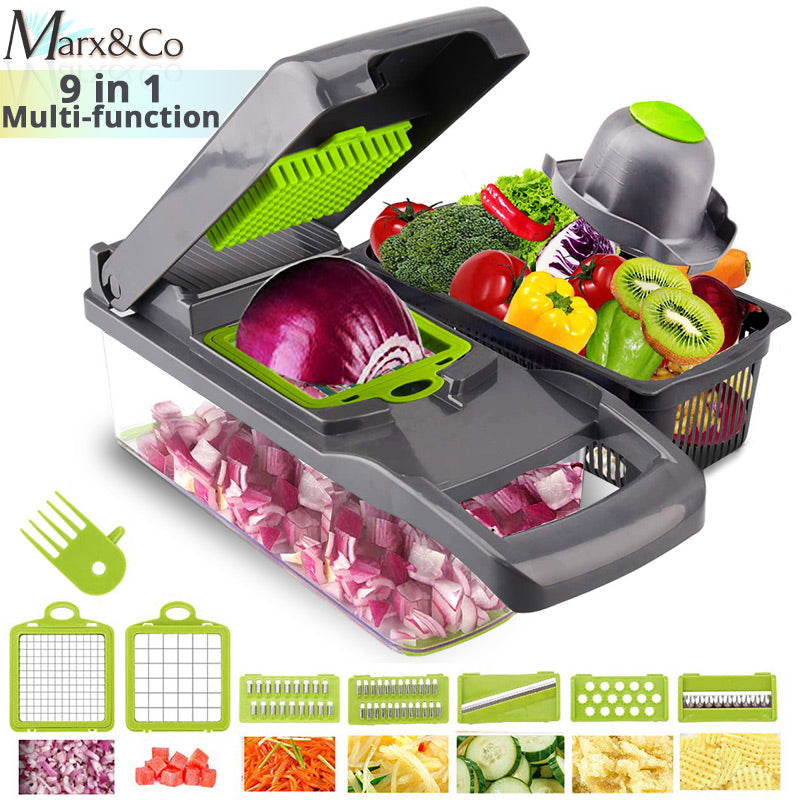 06 / slicer collection
One tool family, many listings.
Explore the live Slicer collection and open each product for its current option set.
Browse Slicer ↗Keep the comparison close.
The catalog groups similar kitchen tools into collection pages so the next choice is easier to make.
07 / prep pairing
Pair a tool with the task.
No bundle claims here—just direct routes into the existing collections.
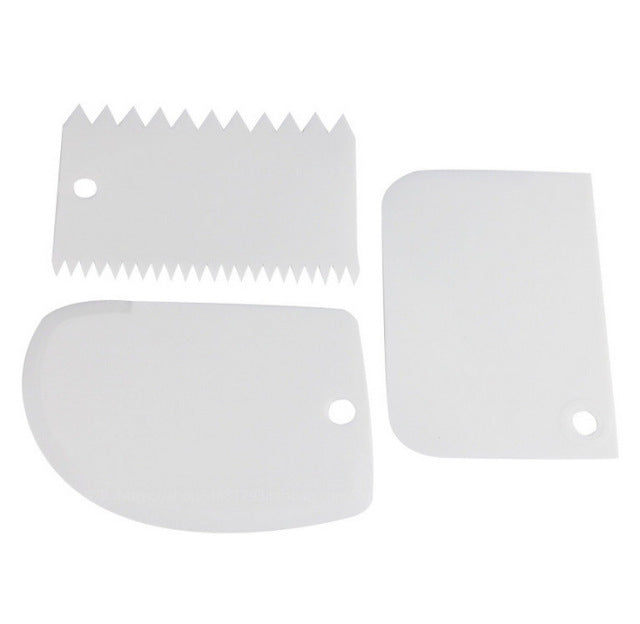

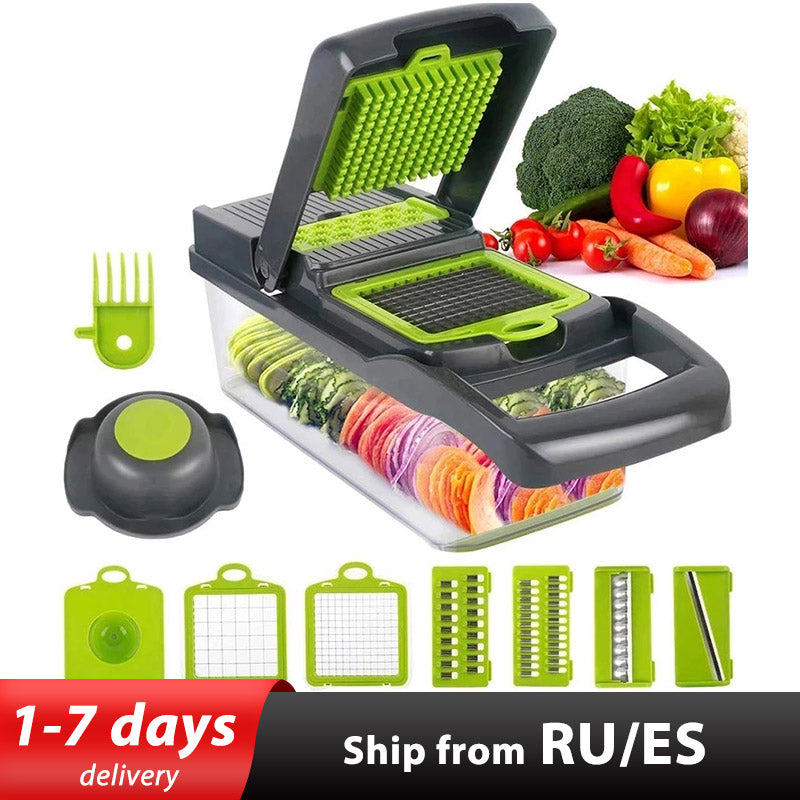
When crushing is the brief.
Go straight to the Crusher collection, then compare the active products and variants listed there.
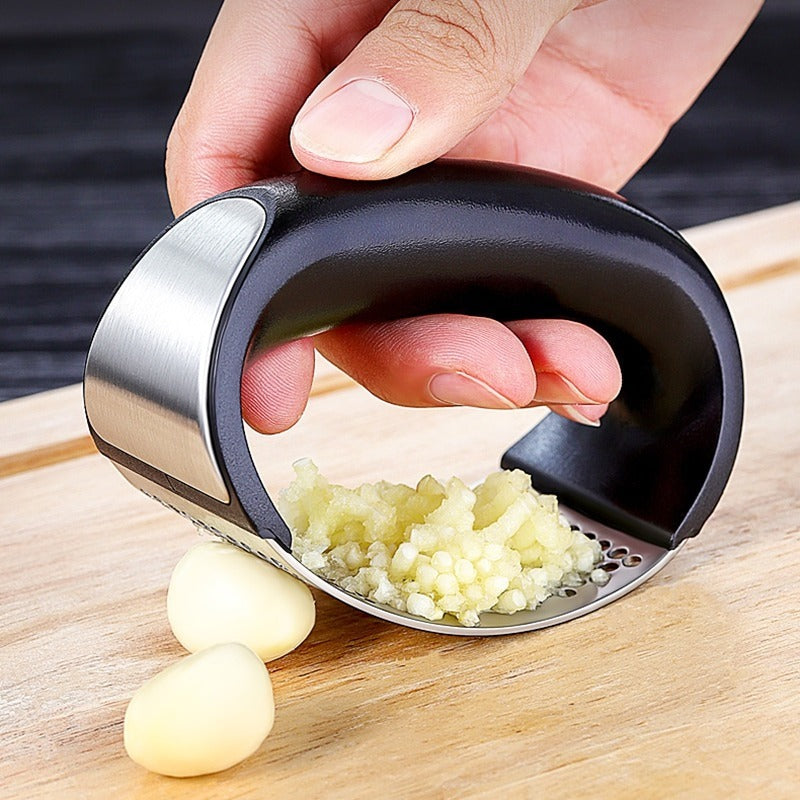
Electric Mini Garlic Crusher
The current catalog includes a 100/250ml Electric Mini Garlic Crusher Portable Chopper. Open the product page for its current price and options.
View listing ↗09 / more from the catalog
Keep browsing by title.
10 / a simple route
From task to cart.
Use the store's normal shopping flow and keep the exact listing in view.
Choose a collection.
Open one of the ten live tool collections from the index above.
Read the product.
Check the title, images, options, specifications, price and availability on the listing.
Add only what fits.
Use the product page's own add-to-cart control, then review the cart before checkout.
11 / customer support
Useful pages, close at hand.
12 / policy index
Read the store terms.
Policies remain the source of truth for payments, delivery, returns and privacy.
Questions are part of the process.
Check the FAQs for the store's existing answers, then open the relevant policy page for the full terms.
Open FAQs ↗Search by the product words you know.
Try “vegetable”, “garlic”, “cutter” or another term from the catalog.
Open search ↗15 / contact
Still deciding?
Ask the store.
Send a question through the existing contact form when a product detail, order or policy needs clarification.
The form is the supported contact route. No extra promise is made here about response times.
16 / your next task
Return to the catalog.
ZWOOPO's kitchen tool catalog is organized by the collection names above. Start with the task, check the listing, and keep the store policies nearby.